Flight Deck AR
Head Tracking for X-Plane
Turn your iPad or iPhone into a precise head tracker for X-Plane.
No extra hardware required.

Flight Deck AR is now available as a free download with essential features, allowing you to experience head tracking experience with the option to upgrade to Flight Deck AR PRO for the complete set of advanced features.
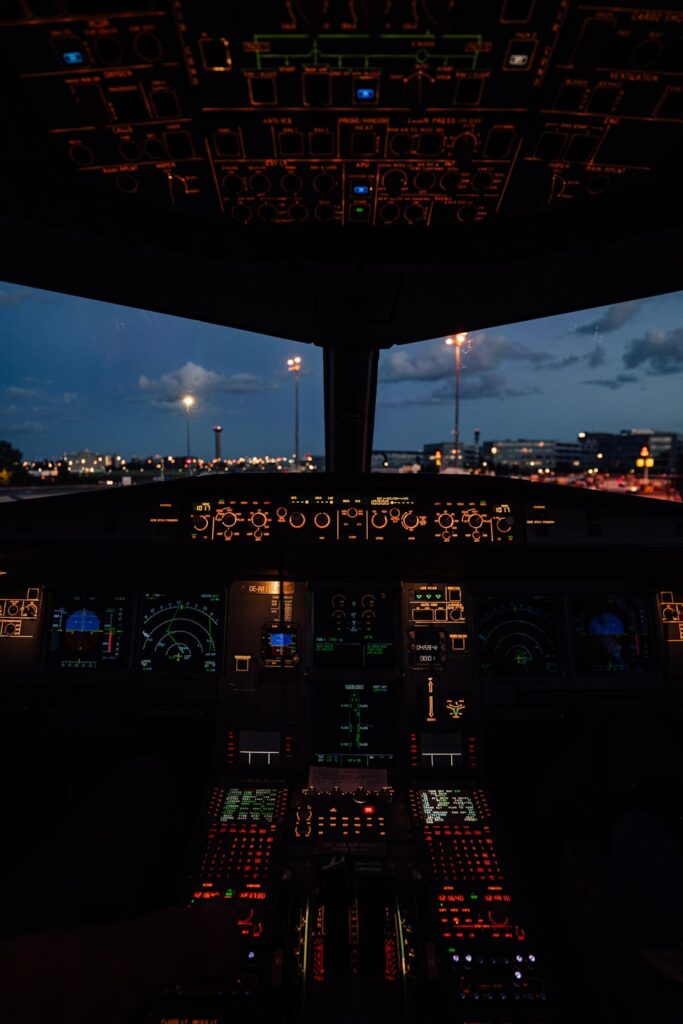
Natural cockpit view
Look around smoothly—your head movement drives the camera in X-Plane.
Made for X-Plane
Specifically developed for X-Plane. Works seamlessly without network configuration or complex setup.
Premium feel, zero clutter
Polished visuals, low latency, and simple controls. No sensors, no wires.
How it works
- Fly — move your head; the cockpit view responds instantly.
- Install the app on your iPad or iPhone.
- Connect to X-Plane on the same Wi-Fi network.
Checkout the new Flight Deck AR Help Center.
Features
- Landscape/portrait aware
- Real-time head tracking (yaw, pitch, roll and position)
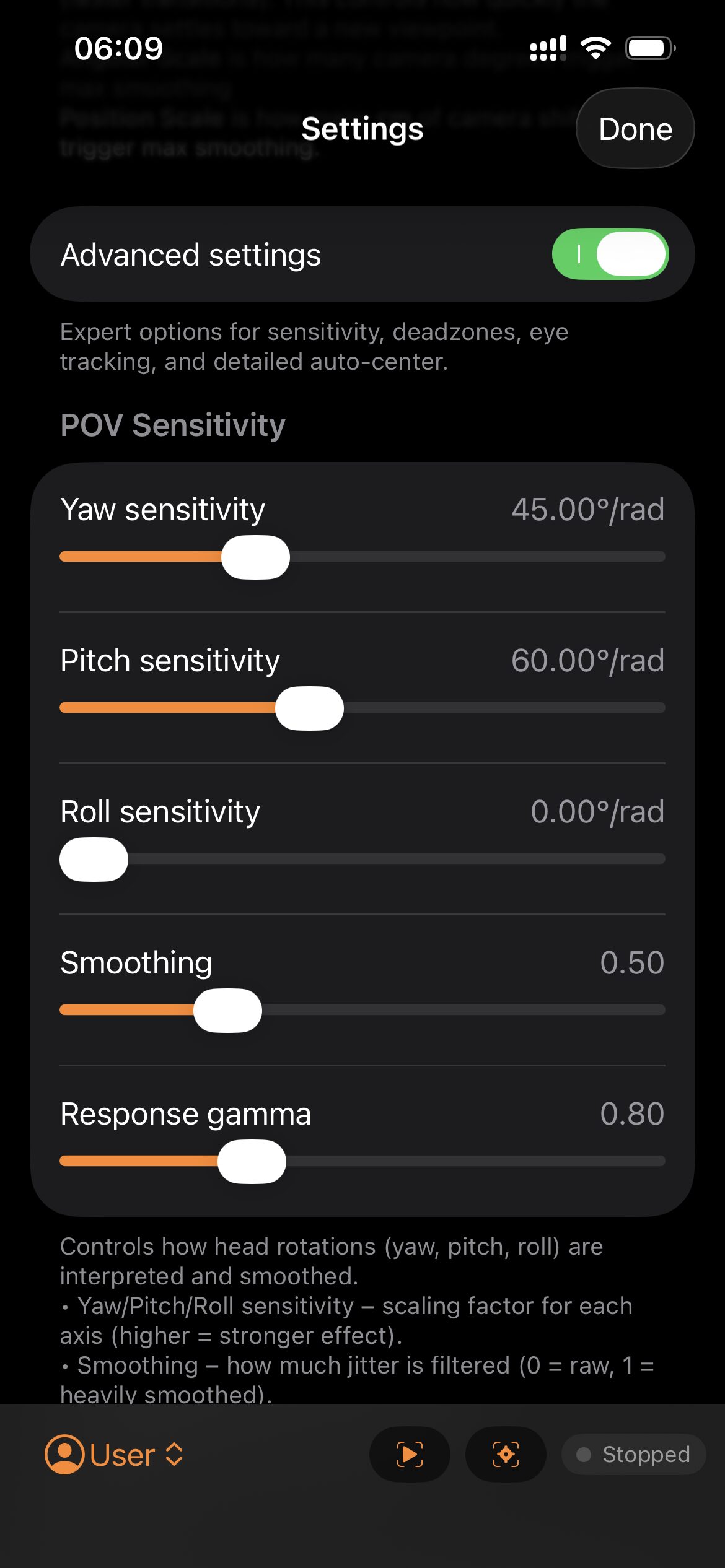
- Adjustable sensitivity, dead-zones, smoothing and more
- Per Aircraft settings. Independent and automatically selected tracking configuration
- Auto-center logic while still
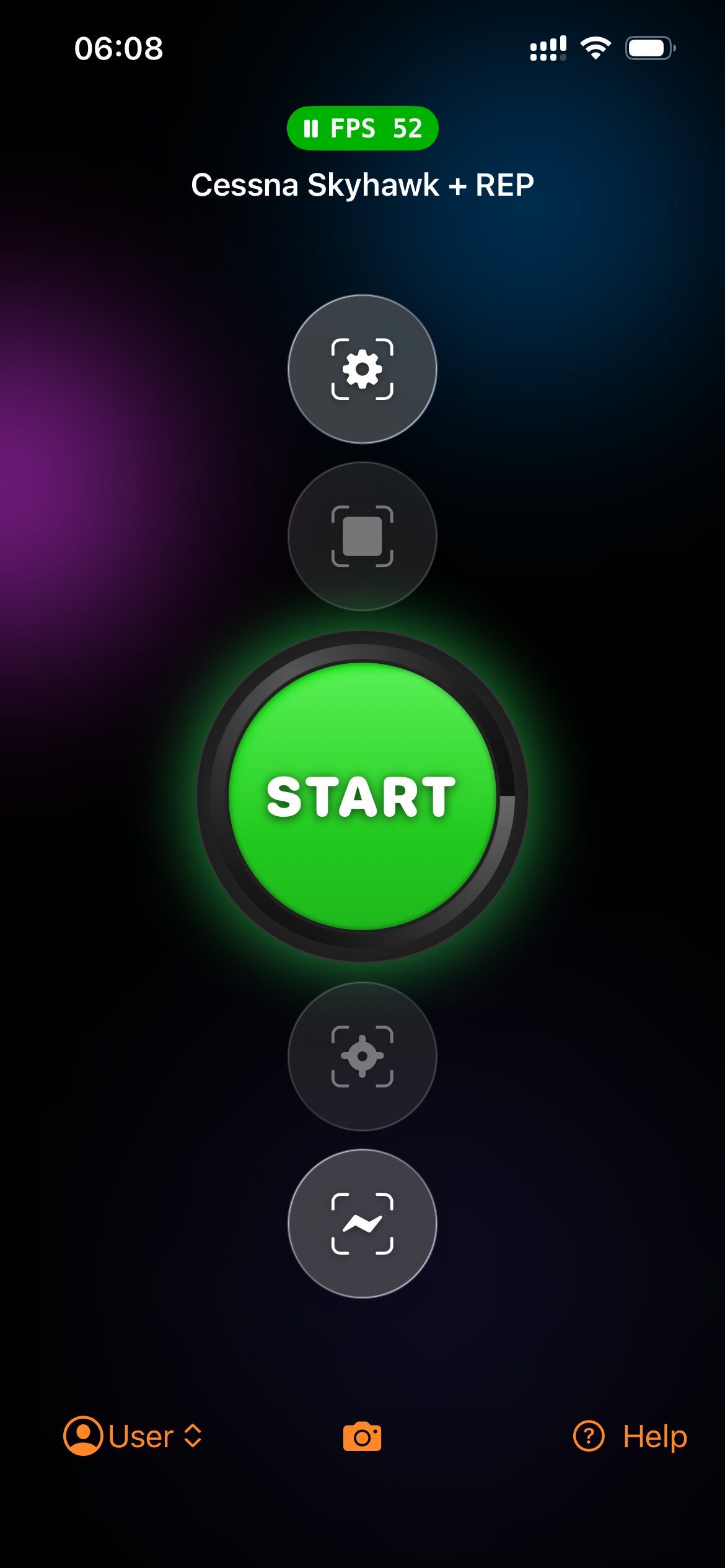
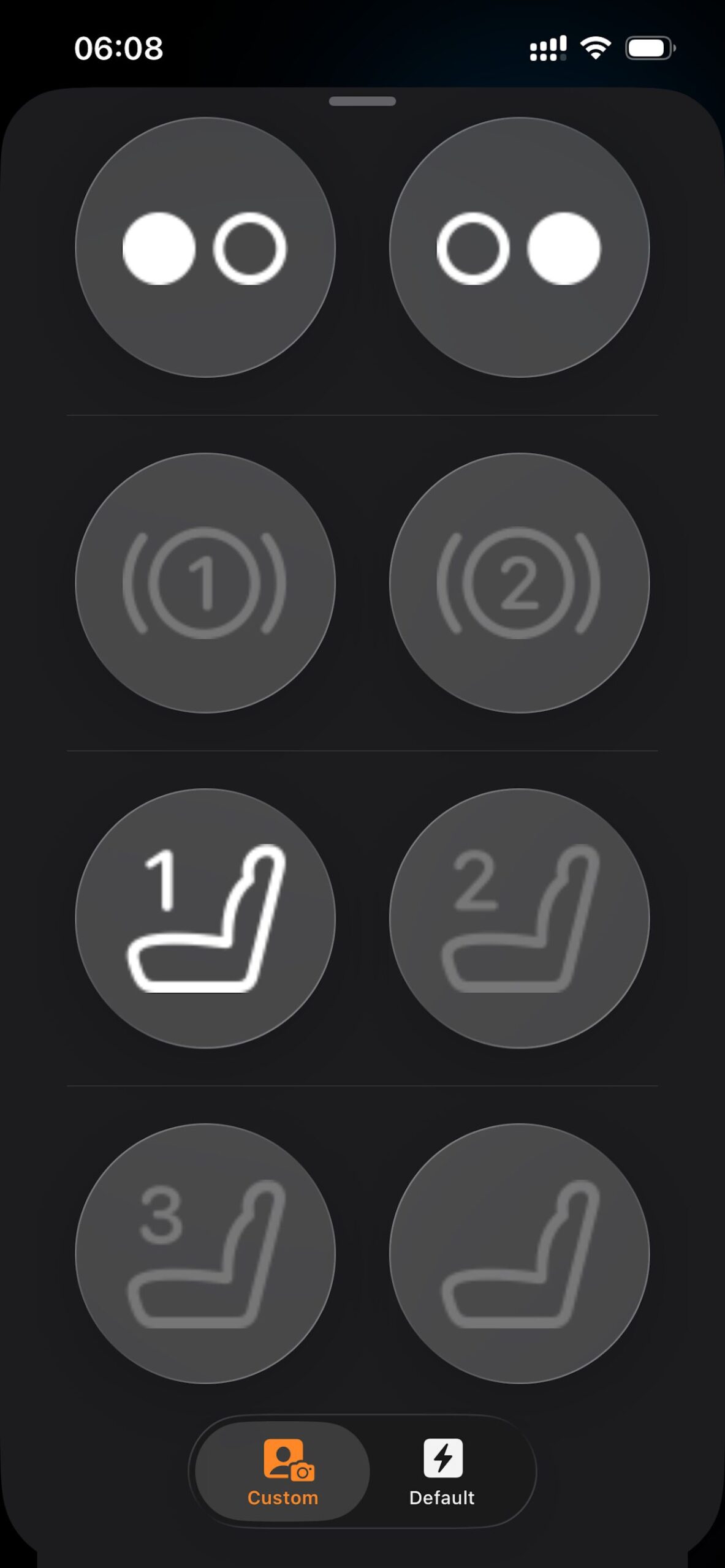
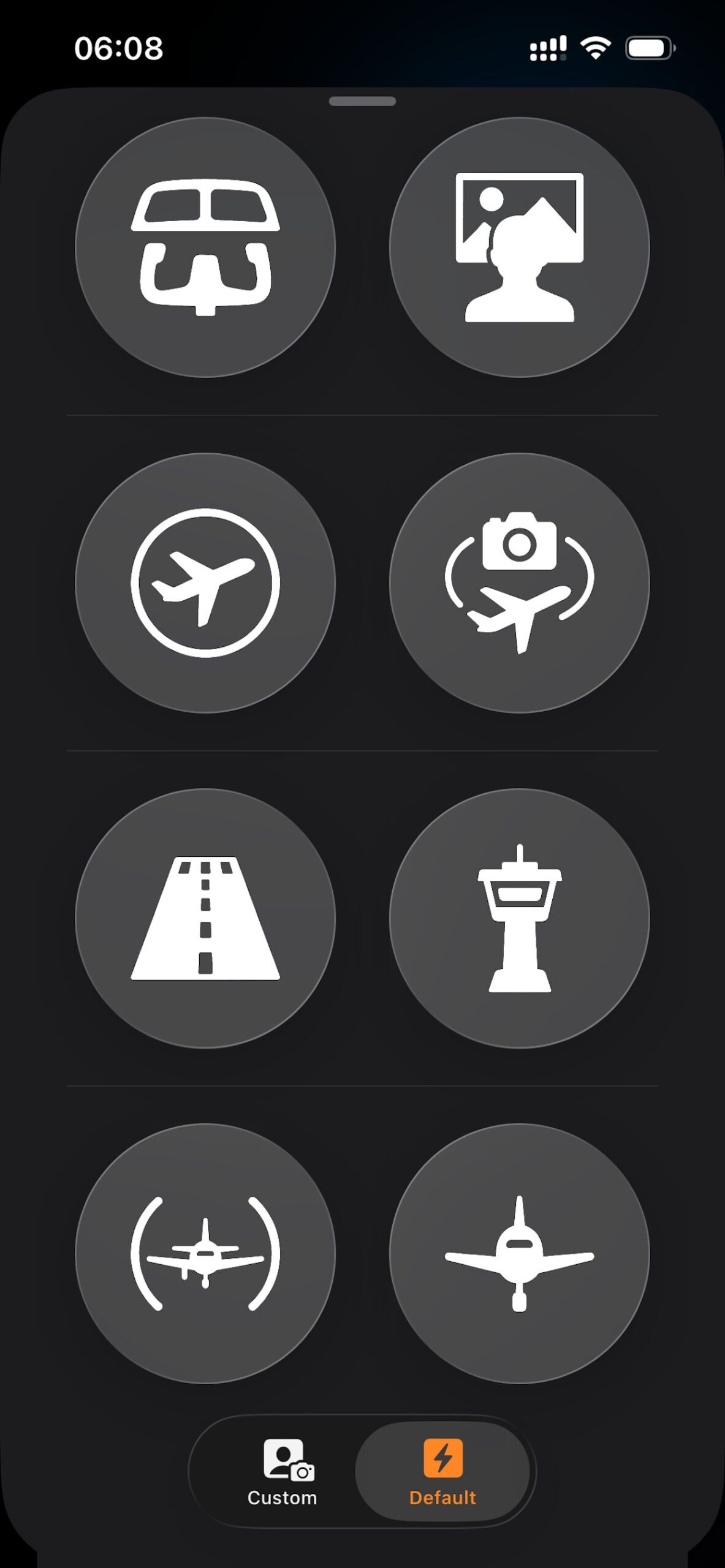
- Camera Controls: quick access to your custom head-tracked cameras and default X-Plane views
- Auto-Pause: pause X-Plane if head is not detected for a while (settable)
- Custom connection configuration
Camera Controls
- X-Plane defaults, one tap away
Instantly access the default X-Plane views. - Custom views on demand
Create your own head-tracked camera positions with a single tap, and switch between them instantly. Perfect for setting up cockpit, instruments or passenger views that feel natural with head tracking. View changes are smoothly animated. - Per-aircraft memory
Custom cameras are saved with the currently loaded aircraft, so each plane has its own dedicated set of views.
X-Camera Integration
Flight Track ONE doesn’t just support X-Camera — it integrates with it automatically.
- Zero setup: The app detects X-Camera the moment it’s active.
- Full control: Simply enable the TrackIR option for each camera you’d like to track — no extra configuration needed.
- Dynamic switching: Flight Track ONE adapts instantly when you move between X-Camera and default views.
- Smooth experience: The integration is frame-accurate and requires no plugins or scripts.
With Flight Track ONE and X-Camera together, you get the most flexible, realistic cockpit view system available for X-Plane.
Requirements
- iOS/iPadOS 17.6+
- X-Plane desktop (macOS/Windows/Linux)
- Same local Wi-Fi for device and simulator
Need help? Checkout our Support Links.
Compatible Devices
- iPhone X and later (all models)
- iPhone SE (3rd gen. and later)
- iPad Pro 11-inch (all models)
- iPad Pro 12.9-inch (3rd gen. and later)
- iPad Air (4th gen. and later)
- iPad mini (6th gen. and later)