Category: Tutorials
-

Glance Mode lets you change views using short, intentional head movements. The camera never follows your head continuously. What you choose here is how many glance directions are available, not how sensitive tracking is. More points mean more possible directions, but also require more control and precision. To enable or disable Glance Mode tap the corresponding…
-
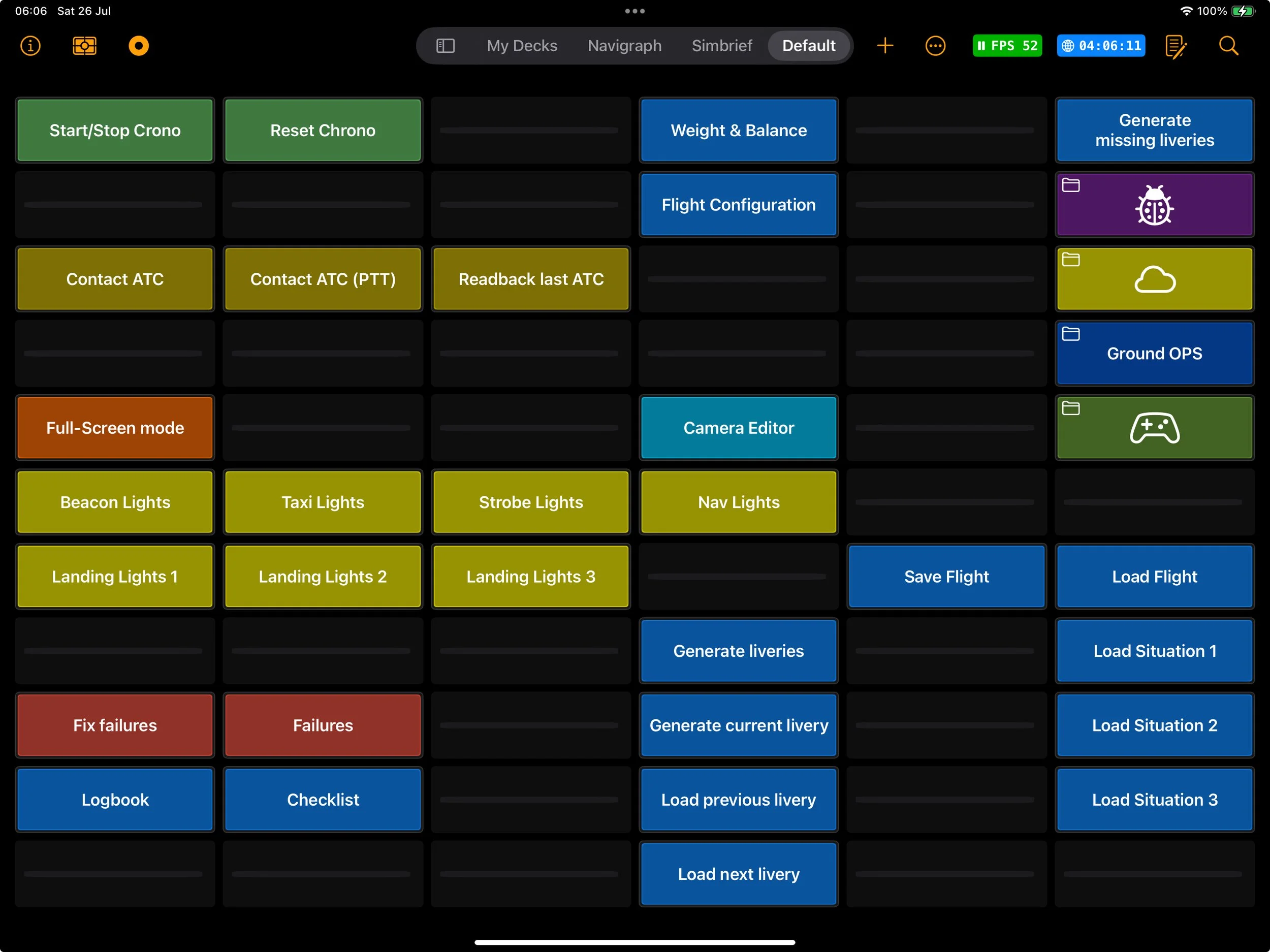
Dashboard widgets let you bring your most important controls inside your decks, instead of hunting for them in the main Dashboard.
-
The rotary knob in Flight Deck ONE offers various gesture modes and configurations, allowing users to adapt control settings for intuitive adjustments in simulations, enhancing compatibility with different flying styles and hardware configurations.