Category: Tutorials
-
Camera Controls lets you jump between viewpoints quickly, plus save your own cockpit views per aircraft. Think of it as a little camera deck, built for muscle memory. Top bar When head tracking is running (or in preview), you get four quick actions: This bar is not available on iPad, since Camera Controls appear inline…
-
This panel controls how Flight Deck AR head tracking feels, how far it can move the camera, and whether it runs in continuous tracking or in “Glance Mode” snap views. Advanced settings Advanced settings unlocks extra controls. Leave it off for simple tuning, turn it on if you want dead zones, eye tracking, auto center, and…
-

Glance Mode lets you change views using short, intentional head movements. The camera never follows your head continuously. What you choose here is how many glance directions are available, not how sensitive tracking is. More points mean more possible directions, but also require more control and precision. To enable or disable Glance Mode tap the corresponding…
-
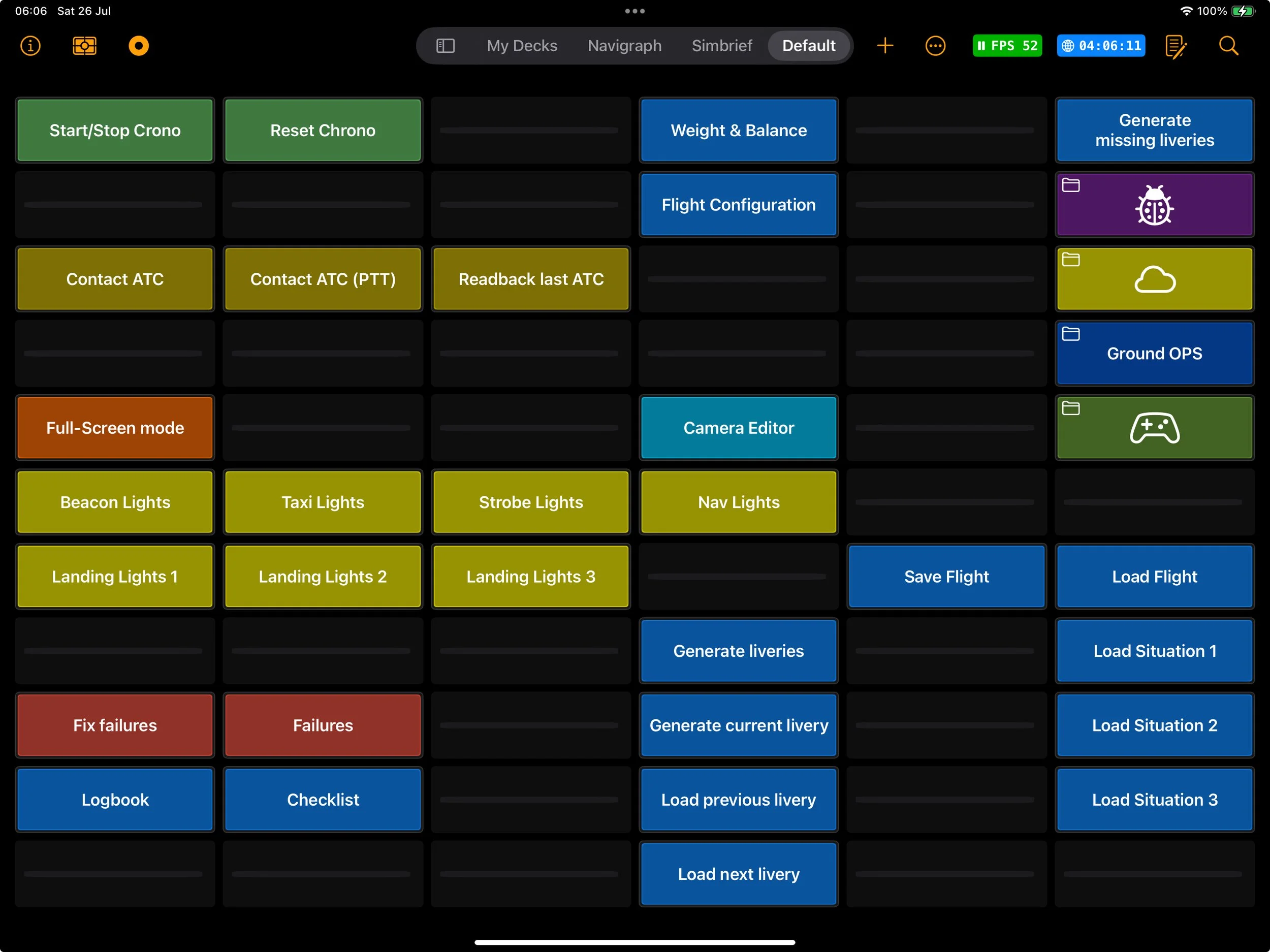
Dashboard widgets let you bring your most important controls inside your decks, instead of hunting for them in the main Dashboard.
-
The rotary knob in Flight Deck ONE offers various gesture modes and configurations, allowing users to adapt control settings for intuitive adjustments in simulations, enhancing compatibility with different flying styles and hardware configurations.