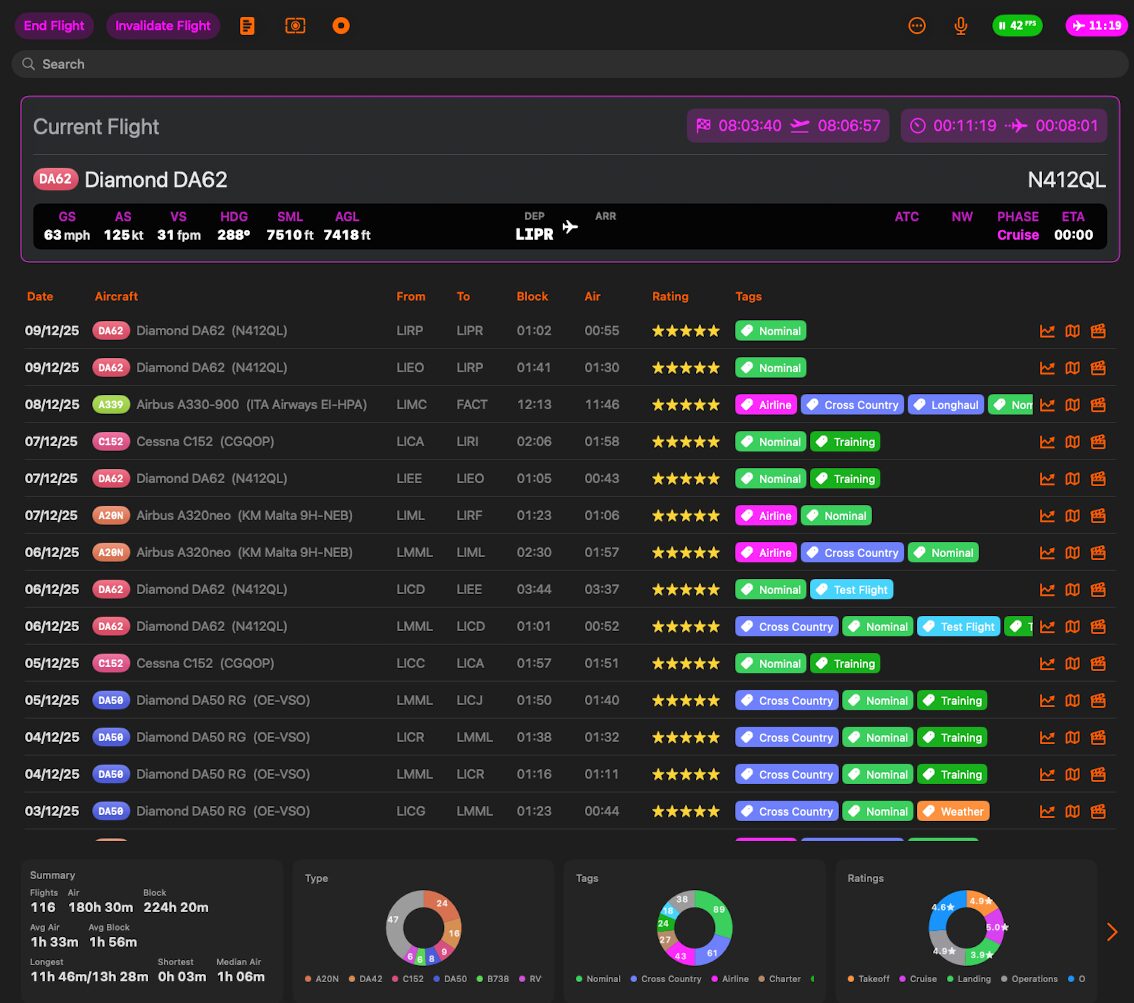
Tag: ONE
-
Overview The View Options panel allows you to customize how your presentation deck is displayed. You can switch between different viewing modes, show or hide interface elements, and adjust the content size to suit your preferences. Display Modes The panel offers three distinct viewing modes: Standard Mode • Best for: Traditional slide-by-slide presentations • Features:…
-
Flight Deck ONE Bravo 3 is here! This is the first feature complete beta for Flight Deck ONE. Feature complete does not mean finished. It means every feature planned for version 1 (the Charlie series) is now in the app, even if some of those features are still rough, partially implemented, or not fully reliable…
-
Learn how to fine-tune Flight Deck ONE and Flight Deck FMS
-
This panel controls how Flight Deck AR head tracking feels, how far it can move the camera, and whether it runs in continuous tracking or in “Glance Mode” snap views. Advanced settings Advanced settings unlocks extra controls. Leave it off for simple tuning, turn it on if you want dead zones, eye tracking, auto center, and…
-

Glance Mode lets you change views using short, intentional head movements. The camera never follows your head continuously. What you choose here is how many glance directions are available, not how sensitive tracking is. More points mean more possible directions, but also require more control and precision. To enable or disable Glance Mode tap the corresponding…